
The Minimalist Phone Setup: Reclaiming Your Time in the Age of Distraction
It was 11:45 PM on a Tuesday, and I found myself deep in a digital rabbit hole. What started as checking a single work email had somehow devolved into watching a video of a stranger power-washing a driveway in suburban Ohio. My thumb was moving rhythmically, scrolling through an endless feed of content I didn’t care about, while my eyes burned from the blue light. I felt drained, anxious, and strangely hollow.
Does this sound familiar? You aren’t alone. Recent studies suggest that the average person checks their phone 96 times a day—that’s once every 10 minutes. We have become tethered to these glass rectangles, not because they are inherently bad, but because they are meticulously designed to be addictive. At DigitCrate, we believe the solution isn’t to throw your phone in the ocean, but to transform it from a “slot machine in your pocket” into a purposeful tool.
Welcome to the guide on the minimalist phone setup. This isn’t just about deleting a few apps; it’s about a fundamental shift in how you interact with technology. Let’s dive into how you can strip away the noise and keep only what truly adds value to your life.
1. The Psychology of Digital Clutter
Before we start deleting, we have to understand why we’re so attached to our apps. Most modern apps are built on a “variable reward” system—the same psychological trick used in gambling. Every time you pull down to refresh a feed, your brain gets a hit of dopamine, wondering if you’ve received a new like, a new message, or a new piece of news.
Digital clutter isn’t just an aesthetic problem; it’s a cognitive one. Every icon on your home screen represents a “potential task” or a “potential distraction.” Research from the University of British Columbia found that people who limited their email checks to three times a day felt significantly less stressed than those who checked constantly. Imagine applying that logic to every app on your phone.
“The cost of a thing is the amount of what I call life which is required to be exchanged for it, immediately or in the long run.” — Henry David Thoreau
When you look at your phone, ask yourself: How much “life” are you exchanging for these apps?
2. The Great Audit: The “Tool vs. Toy” Framework
The first step in a minimalist setup is a ruthless audit. I want you to go through every single app on your phone and categorize it into one of two buckets: Tools or Toys.
What is a Tool?
A tool is an app that has a specific utility and a clear “exit point.” You open it, do what you need to do, and close it. Examples include:
- Maps/GPS
- Banking and Finance
- Ride-sharing (Uber/Lyft)
- Calendar and Tasks
- Music or Podcasts (when used intentionally)
- Authentication apps
What is a Toy?
A toy is designed for consumption and has no natural “end.” It is built to keep you inside the app for as long as possible. Examples include:
- Social Media (Instagram, TikTok, X)
- News aggregators
- Games with “daily rewards”
- Shopping apps (Amazon, eBay) used for browsing
The Minimalist Rule: Keep the tools on your device. Remove the toys, or at least move them to your mobile browser. By forcing yourself to log into Instagram via Safari or Chrome, you add “friction.” That extra five seconds of effort is often enough to make you realize you don’t actually need to check it.
3. Designing Your Minimalist Home Screen
The home screen is the most valuable real estate on your phone. A cluttered home screen leads to a cluttered mind. For a truly minimalist setup, we aim for Home Screen Zero.
The “Blank Page” Approach
Try moving every single app off your first page. Keep your first home screen completely empty, save for a beautiful, calming wallpaper. This creates a “buffer zone.” When you unlock your phone, you are met with peace rather than a barrage of red notification badges.
The Dock Strategy
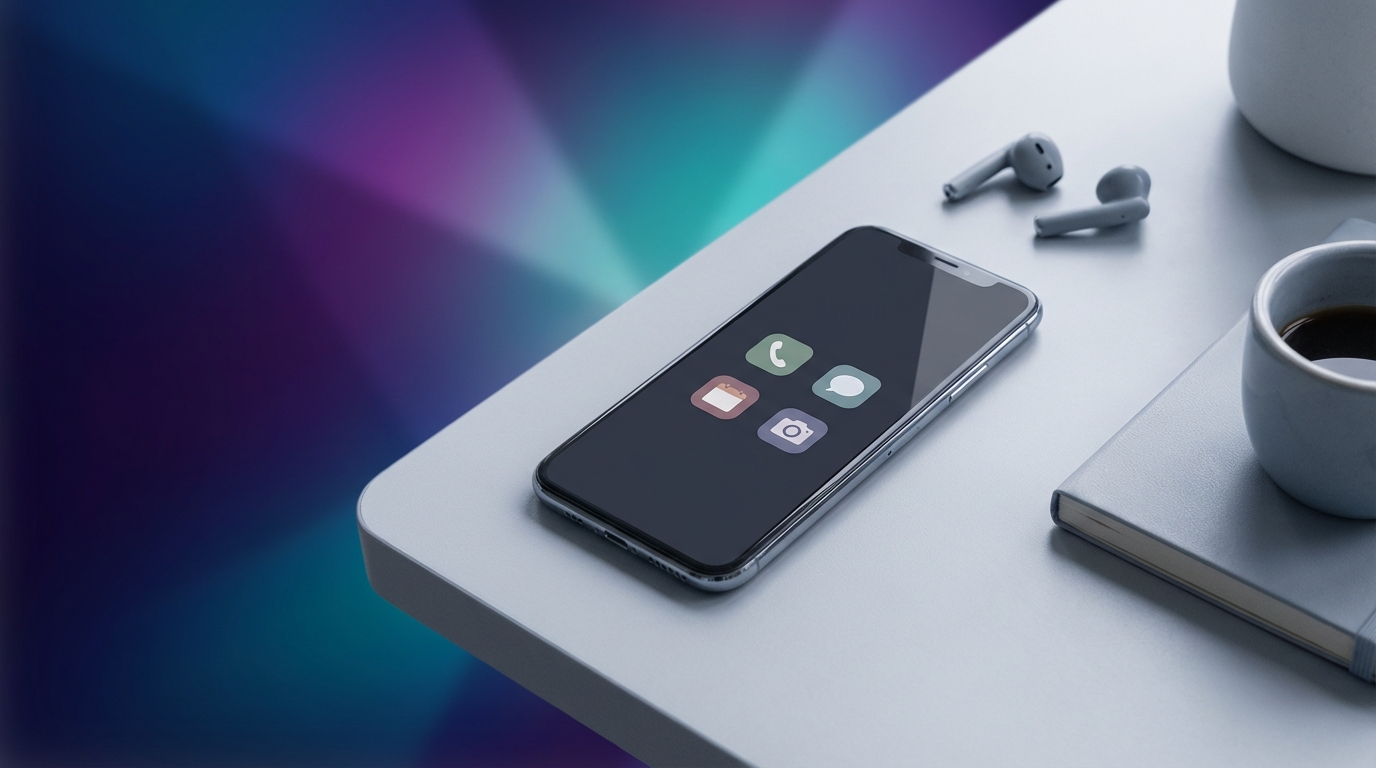
Limit your dock (the bottom row of apps) to the four most essential utilities you use daily. For me, it’s Phone, Messages, Calendar, and Notes. That’s it. Everything else lives in the App Library (iOS) or the App Drawer (Android).
Folders are Your Friends (and Enemies)
If you must have apps on your second screen, group them into folders based on action rather than category. Instead of a folder named “Social,” name it “Connect.” Instead of “Work,” use “Produce.” This rebrands the app’s purpose in your mind.
4. Master Your Notifications: The Silent Assassin
Notifications are the primary way apps “hijack” your attention. If your phone is buzzing every time someone likes a photo or a brand has a 10% sale, you are no longer in control of your time—the apps are.
The Gold Standard of Notification Settings:
- Turn off all non-human notifications: If a human didn’t send it specifically to you, you don’t need to see it immediately. This means no “trending news,” no “reminders to play,” and no “marketing pings.”
- Disable “Badges”: Those little red circles are designed to create a sense of urgency and “incompleteness.” Turn them off for everything except perhaps your phone and text messages.
- Use “Do Not Disturb” or “Focus Modes”: Schedule your phone to enter a silent mode from 9:00 PM to 8:00 AM. This protects your sleep and your morning routine.
Pro Tip: On iPhone, use the “Scheduled Summary” feature. It bundles all your non-urgent notifications and delivers them to you in a single digest at a time you choose (like 5:00 PM).
5. The Grayscale Trick: Making Your Phone Boring
Why are apps like Instagram and Candy Crush so appealing? The colors. Developers spend millions of dollars researching which shades of red and blue trigger the most engagement. By turning your phone to Grayscale, you strip away the neurological “candy” that keeps you hooked.
When your screen is black and white, your brain finds it significantly less stimulating. Suddenly, scrolling through a feed of gray photos feels a lot less rewarding. It turns your phone back into what it should be: a functional tool.
How to do it:
- iOS: Settings > Accessibility > Display & Text Size > Color Filters > Toggle On > Grayscale.
- Android: Settings > Digital Wellbeing > Bedtime Mode or Grayscale (varies by manufacturer).
I personally keep a shortcut (triple-click the side button) to toggle Grayscale on and off. I keep it on 90% of the day, only turning color back on when I need to edit a photo or use a map.
6. Essential App Categories for the Minimalist
While the goal is to have “Essential Apps Only,” what counts as “essential” varies by person. However, for a minimalist lifestyle, these categories usually make the cut:
1. Digital Brain (Notes/PKM)
A place to capture ideas so they don’t take up mental space. Apple Notes, Google Keep, or Obsidian are excellent choices. The key is to have one place for everything.
2. Financial Management
A minimalist knows where their money is going. One banking app and one tracking app (like YNAB or Mint) are all you need to maintain financial clarity on the go.
3. Intentional Communication
Keep the apps you use to talk to the people you love. Whether it’s Signal, WhatsApp, or iMessage, ensure these are optimized for meaningful conversation, not group-chat noise.
4. Utility & Health
Apps that support your physical well-being or daily logistics. This includes your Calendar, a Meditation app (like Insight Timer), and your Fitness tracker. These should serve your goals, not set them for you.
7. Overcoming FOMO and the Withdrawal Phase
When you first delete your social media apps or clear your home screen, you will feel a sense of twitchiness. You’ll find yourself unlocking your phone and staring at the blank screen, your thumb hovering where the Instagram icon used to be. This is a “phantom habit.”
Research suggests it takes about 21 to 66 days to form a new habit. The first week is the hardest. During this time, replace the scrolling habit with something analog. Carry a pocket notebook, a physical book, or simply practice the “art of doing nothing” while waiting in line at the grocery store.
Personal Anecdote: When I first went “minimalist” on my phone, I realized I was using my phone as a shield against boredom. By removing the distractions, I was forced to deal with my own thoughts. It was uncomfortable at first, but it eventually led to some of my best creative ideas.
Conclusion: Quality Over Quantity
A minimalist phone setup isn’t about deprivation; it’s about intentionality. It’s about making sure that when you pick up your device, you are the one making the choice, not an algorithm. By stripping away the non-essential, you create space for the things that truly matter: deep work, real-world connections, and mental clarity.
Remember, your phone is a guest in your life. You are the host. You get to decide which apps are invited to stay and which ones have overstayed their welcome.
Your Digital Minimalism Challenge
Ready to reclaim your focus? Start with these three steps today:
- Delete 5 apps you haven’t used in the last month.
- Move your social media to the browser and remove the apps from your phone.
- Turn off all notifications except for calls and direct texts.
What’s the one app you can’t live without, and which one are you most afraid to delete? Let us know in the comments below! Let’s start the conversation on how to build a healthier digital future together.
For more tips on living a focused, intentional life in the digital age, subscribe to the DigitCrate newsletter.