
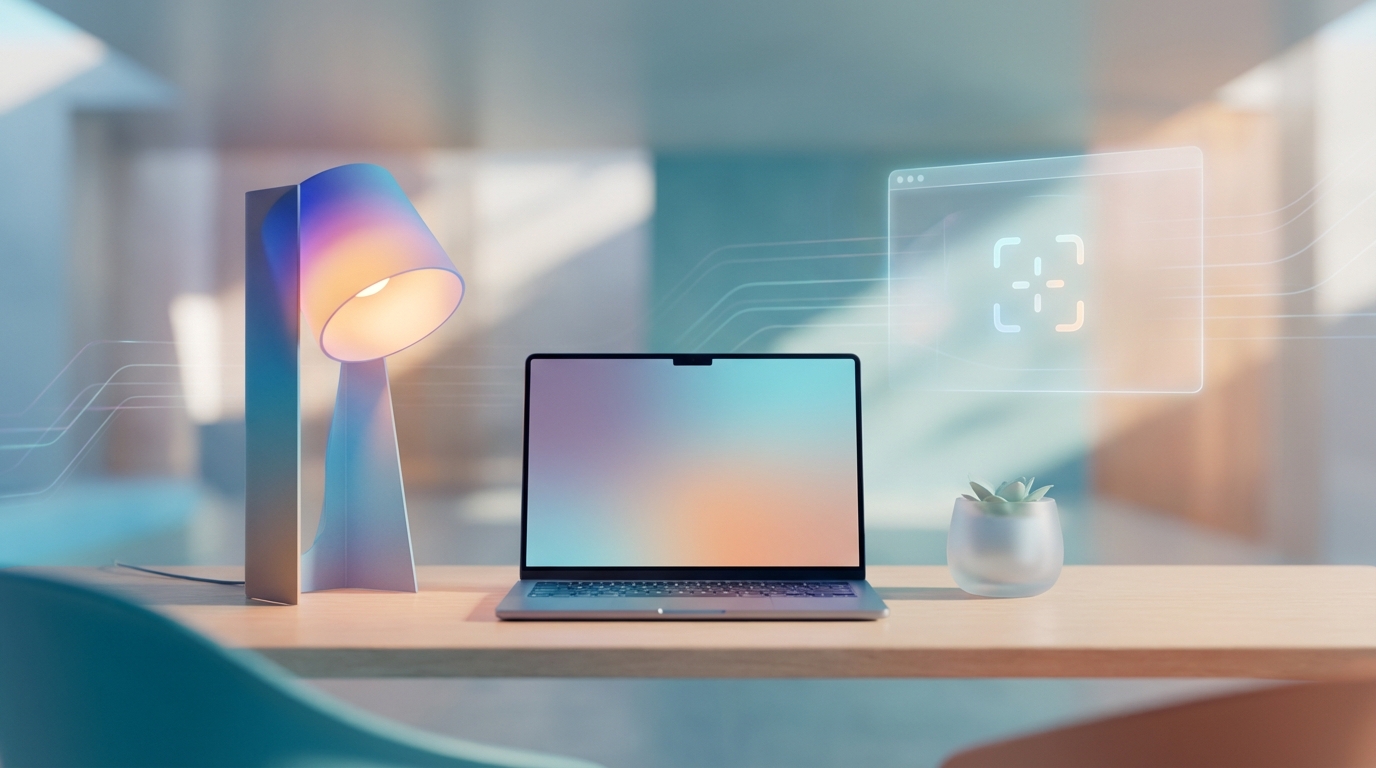
Mastering the Void: How to Build a Distraction-Free Digital Workspace in 2026
It’s 8:30 AM on a Tuesday. You sit down at your desk, the glow of your ultra-thin monitor warming your face. Before you’ve even opened your primary project, your AI assistant whispers a summary of thirty overnight emails, your spatial workstation pings with three “urgent” Slack huddles, and your smart glasses suggest a news article based on your current heart rate. By 8:45 AM, you’re exhausted, and you haven’t even typed a single word.
Sound familiar? Welcome to the digital landscape of 2026. We were promised that technology would make our lives simpler, yet we find ourselves drowning in a sea of “convenient” interruptions. Here at DigitCrate, we believe that the most valuable luxury in the modern age isn’t the latest gadget—it’s the ability to focus.
Building a distraction-free digital workspace isn’t about moving to a cabin in the woods (though that sounds lovely). It’s about creating a refined, intentional ecosystem where your tools serve you, rather than the other way around. Let’s dive into how you can reclaim your cognitive real estate this year.
1. The Psychology of the “Infinite Canvas”
In 2026, we no longer deal with just “folders” and “files.” We live in a world of infinite canvases, cloud-synced everything, and persistent digital presence. Research from the Global Institute of Digital Wellness (2025) found that the average knowledge worker switches contexts every 47 seconds. Each switch costs us “attention residue,” making it harder to reach a state of Deep Work.
To combat this, we must adopt a minimalist philosophy. A distraction-free workspace is built on the principle of Visual Quiet. When your digital environment is cluttered, your brain treats every icon, notification dot, and open tab as a “to-do” item, leading to low-level chronic stress.
“Clutter is the physical manifestation of unmade decisions. Digital clutter is the cognitive manifestation of a lack of boundaries.”
2. Desktop Zero: Reclaiming Your Visual Horizon
Remember when your desktop was a place for beautiful wallpapers? Now it’s likely a graveyard of screenshots and “Temporary_v2” PDFs. In 2026, the first step to a minimalist workspace is achieving—and maintaining—Desktop Zero.
- The “Inbox” Method: Create one single folder on your desktop labeled “To Process.” Everything you download or screenshot goes there. At the end of each day, move those files to their permanent homes or delete them.
- Hide Desktop Icons: Use your operating system’s settings to hide all icons by default. If you need a file, use a global search tool (like the 2026 version of Spotlight or Raycast). It’s faster and keeps your visual field clean.
- Dynamic Wallpapers: Choose a wallpaper that changes based on the time of day, but avoid high-contrast or busy images. Gradients or “slow cinema” loops of nature are proven to lower cortisol levels during work hours.
The “One-Tab” Ritual
Browser tabs are the modern equivalent of having fifty people screaming for your attention at once. I used to be a “tab hoarder” until I realized it was killing my laptop’s RAM and my brain’s focus. Now, I use a browser extension that limits me to five open tabs. If I want to open a sixth, I must close one. It forces me to prioritize what I’m actually working on *right now*.
3. Taming the AI Beast: Intentional Intelligence
By 2026, AI is integrated into every app we use. While helpful, these “copilots” can become “codistractors.” To build a minimalist workspace, you must curate your AI interactions.
- Disable “Proactive” Suggestions: Turn off AI features that interrupt you with suggestions before you ask for them. You want an assistant that speaks when spoken to, not a backseat driver.
- Consolidate Your Models: Instead of having five different AI chat windows open, use a single aggregator. This reduces the need to bounce between interfaces.
- The AI Ghost Hour: Designate at least two hours a day where you disable all AI writing and coding assistants. This forces your brain to engage in raw problem-solving, preventing the “cognitive atrophy” that researchers are beginning to document in heavy AI users.
4. The Hardware Bridge: Minimalism in the Physical Realm
Your digital workspace doesn’t exist in a vacuum; it’s anchored to your physical desk. A DigitCrate favorite is the “One Cable” Setup. With the ubiquity of high-speed universal ports in 2026, your laptop should connect to your monitor, peripherals, and power via a single cord.
Physical Minimalism Tips:
- The Peripheral Purge: Do you really need a dedicated macro pad, a stream deck, and three different mice? Choose one high-quality, ergonomic tool for each task.
- Haptic Feedback over Sound: If you use a smartwatch or haptic trackpad, set your notifications to subtle vibrations rather than audible pings. Sounds are designed to startle; vibrations are designed to inform.
- The Analog “Release Valve”: Keep a physical notebook and a high-quality pen on your desk. When you feel overwhelmed by the screen, look away and doodle or write a single sentence. This “tactile grounding” resets your focus.
5. Implementing the “Notification Diet”
In 2026, the average app is designed by “attention engineers” whose sole job is to keep you looking at the screen. To fight back, you need a radical notification diet. According to a recent study by the University of California, Irvine, it takes an average of 23 minutes and 15 seconds to get back to deep focus after an interruption.
Step 1: The Nuclear Option. Turn off all notifications on your computer. Yes, all of them. Including email. Including Slack/Teams.
Step 2: The Whitelist. Only allow notifications from your “Inner Circle” (your boss, your spouse, or emergency alerts). Everything else should be “Pull,” not “Push.” You check it when you are ready, not when the app wants you to.
Step 3: Scheduled Batches. Set your email and messaging apps to only deliver notifications at specific times: 9 AM, 1 PM, and 4 PM. This transforms your day from a reactive scramble into a series of intentional sprints.
6. Spatial Computing: The Final Frontier of Focus
As we move further into 2026, many of us are using Mixed Reality (MR) or Spatial Computing headsets for work. While these offer “infinite screens,” they can also lead to “infinite distraction.”
Minimalism in 3D Space:
If you work in a spatial environment, don’t surround yourself with twenty floating windows just because you can. Use “Focus Portals.” Set your virtual background to a minimalist environment—a void, a quiet library, or a mountaintop. Place your primary window directly in front of you and hide all others. The beauty of spatial computing in 2026 is that it can physically block out the messy room you’re actually sitting in—use that to your advantage.
7. The “End-of-Day” Digital Shutdown
A minimalist workspace isn’t just about how you start; it’s about how you finish. Without a clear end-point, your work bleeds into your personal life, leading to the “Always-On” burnout that characterized the early 2020s.
At DigitCrate, we recommend a 5-minute Shutdown Ritual:
- Close every single tab. If it’s important, bookmark it or add it to a “Read Later” app.
- Clear the “To Process” folder. Move those screenshots!
- Write down your #1 priority for tomorrow. Not five things. Just one.
- Power down. Don’t just sleep your device; restart it once a day to clear the cache (and your mind).
Personal Anecdote: I started doing this last year after realizing I was checking my “work” tabs while trying to watch a movie with my family. Closing those tabs felt like physically locking the office door. The mental relief was instantaneous.
8. Conclusion: Your Attention is Your Wealth
Building a distraction-free digital workspace in 2026 isn’t a one-time setup; it’s a daily practice of intentionality. By decluttering your visual horizon, taming your AI assistants, and fiercely guarding your notifications, you aren’t just becoming more productive—you’re reclaiming your peace of mind.
In a world that profits from your distraction, focus is a revolutionary act. Start small. Choose one tip from this list and implement it today. You’ll be surprised at how much space—both digital and mental—you can create.
Ready to declutter your digital life?
Join the DigitCrate community! Subscribe to our weekly newsletter for more tips on digital minimalism, curated tool reviews, and deep-dives into the future of work. Let’s build a simpler digital world, together.
What’s the biggest distraction in your workspace right now? Let us know in the comments below!