
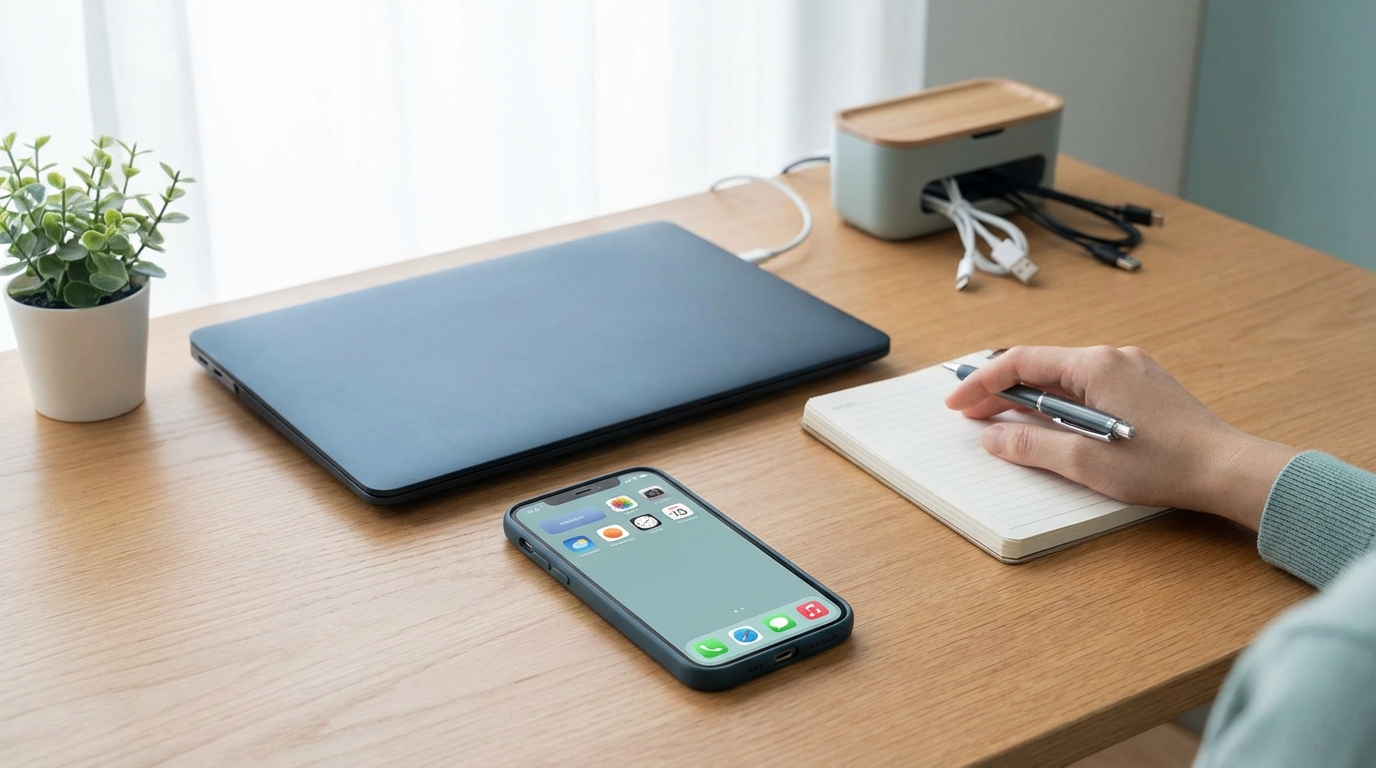
The 30-Day Digital Declutter Challenge: Transform Your Relationship with Technology
Have you ever reached for your phone to check the time, only to find yourself thirty minutes later scrolling through a feed of people you barely know, feeling more exhausted than when you started? You aren’t alone. In our hyper-connected era, our digital spaces have become just as cluttered as our physical ones—perhaps even more so because digital clutter is invisible until it manifests as stress, brain fog, and a fractured attention span.
At DigitCrate, we believe that technology should be a tool that serves you, not a master that demands your constant attention. Digital minimalism isn’t about living in a cabin in the woods; it’s about intentionality. It’s about clearing away the digital noise so you can focus on the things that actually matter. To help you reclaim your focus, we’ve designed The 30-Day Digital Declutter Challenge. Over the next four weeks, we will systematically strip away the non-essential and rebuild your digital life from the ground up.
Why You Need a Digital Declutter Now
Our brains weren’t designed for the 24/7 onslaught of notifications, pings, and algorithmic manipulation. Digital burnout is a real phenomenon, leading to decreased productivity and increased anxiety. By participating in this challenge, you aren’t just deleting apps; you are performing a “factory reset” on your dopamine receptors. The goal is to move from a state of constant distraction to a state of deep work and presence.
Week 1: The Social and Communication Audit
The first week is often the hardest because it involves addressing our most addictive digital habits: social media and constant communication.
Step 1: The Notification Massacre
Go into your phone settings right now. Disable all non-human notifications. If it isn’t a text or a call from a real person, you don’t need a buzz in your pocket for it. Likes, retweets, news alerts, and “special offer” emails can all wait until you decide to look for them.
Step 2: Culling the Feed
Social media is a tool for connection, but it often becomes a source of comparison. Spend 15 minutes on each platform you use and unfollow or mute any account that doesn’t provide genuine value, inspiration, or joy. If an account makes you feel “less than,” it has no place in your digital crate.
Step 3: The “Nuclear” App Option
For the remainder of the month, try deleting the “big” social media apps (Facebook, Instagram, X/Twitter, TikTok) from your phone. You can still check them on your desktop browser. This small friction point will drastically reduce mindless “phantom scrolling.”
Week 2: The Device and Desktop Deep Clean
Now that we’ve silenced the noise, it’s time to organize your physical and virtual workspace. A cluttered screen leads to a cluttered mind.
The One-Screen Rule
Your smartphone’s home screen should only contain the essentials: Maps, Calendar, Camera, and perhaps a utility app like Notes. Everything else should be moved to the App Library or tucked away in folders on the second screen. Use a minimalist, dark, or neutral wallpaper to reduce visual stimulation.
Desktop Resurrection
Is your computer desktop covered in “New Folder (3)” and random screenshots? Create a simple filing system. Move everything into one of four folders: Current Projects, Reference, Personal, and Archive. At the end of every day during this week, make it a habit to “Close All Tabs” and clear your desktop so you can start fresh the next morning.
The Physical Hardware
Digital minimalism also includes the physical. Clean your screen, sanitize your keyboard, and organize your charging cables. A clean physical environment reinforces the mental clarity you are building.
Week 3: The Data and Inbox Purge
Week three focuses on the “hidden” clutter: the thousands of emails and files taking up space in your cloud and your mind.
Achieving Inbox Zero (Or Close to It)
Use a tool like unroll.me or manually search for the word “Unsubscribe” in your inbox. Be ruthless. If you haven’t opened a newsletter in three months, you don’t need it. For the remaining emails, use the Two-Minute Rule: if an email takes less than two minutes to answer, do it immediately. Otherwise, archive it or add it to a task list.
Cloud Cleanup
We often treat cloud storage like a digital attic. Spend 20 minutes a day deleting blurry photos, duplicate screenshots, and old documents you no longer need. Not only does this save you money on storage fees, but it also makes finding important memories much easier.
The Subscription Audit
Check your bank statements for recurring digital subscriptions. Are you still paying for that streaming service you haven’t watched in months? Cancel anything that isn’t providing a high ROI (Return on Investment) for your happiness or productivity.
Week 4: Rebuilding Your Relationship with Tech
The final week isn’t about cleaning; it