
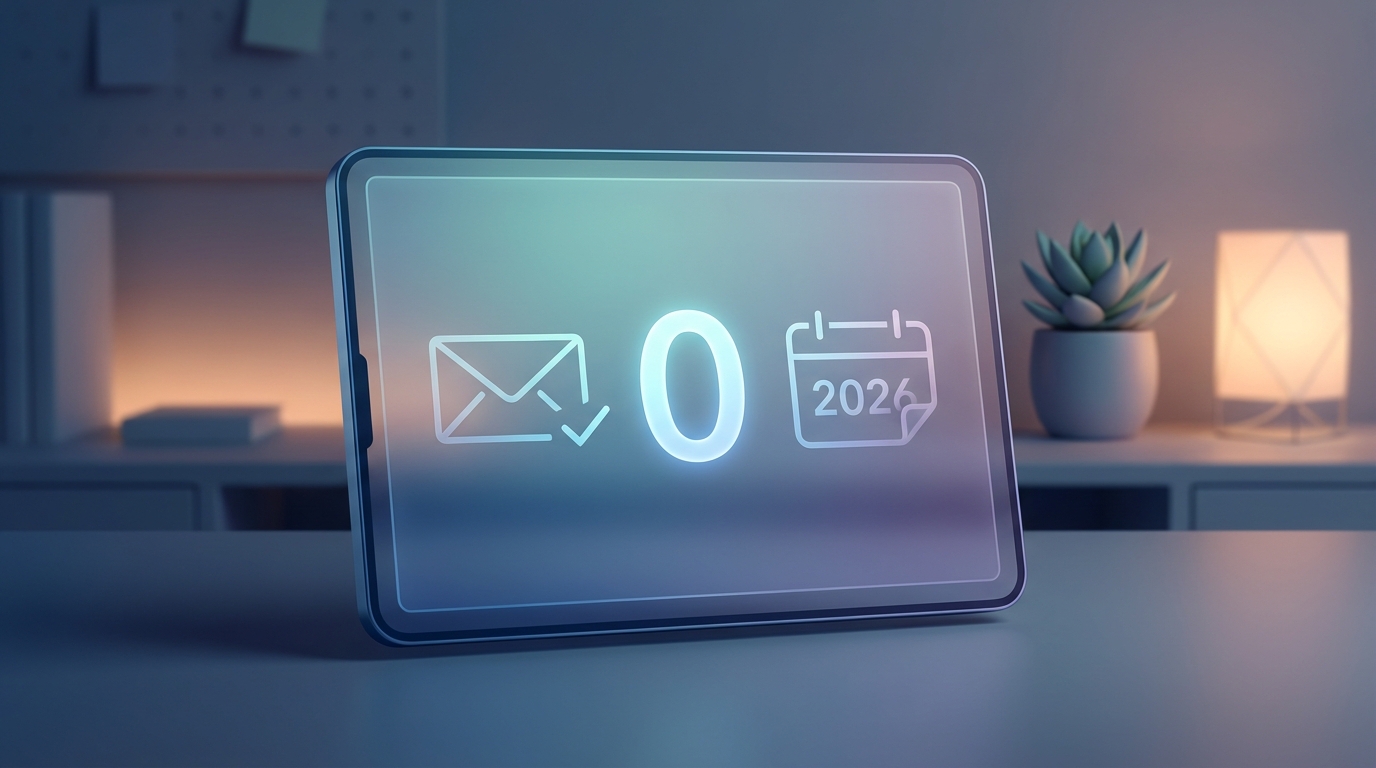
Minimalist Email Management: Inbox Zero Strategies for 2026
Remember the days when email was a novelty? Now, it’s a digital firehose constantly bombarding us with notifications, promotions, and demands on our attention. In 2026, with the relentless pace of digital life, mastering email management isn’t just about productivity; it’s about preserving your sanity. At DigitCrate, we’re all about embracing a minimalist digital lifestyle, and that starts with conquering your inbox. Welcome to your guide to achieving Inbox Zero in 2026 – a haven of calm amidst the digital storm.
The Allure of Inbox Zero: More Than Just an Empty Inbox
Inbox Zero isn’t about literally having zero emails in your inbox all the time. It’s a philosophy, a system for managing your email workflow in a way that reduces stress and boosts productivity. It’s about consciously deciding what to do with each email and preventing your inbox from becoming a dumping ground for unresolved tasks and anxieties. Think of it as decluttering your mental space, one email at a time. Research shows that the average knowledge worker spends around 28% of their workday managing email. Imagine reclaiming that time and channeling it into meaningful work or personal pursuits!
Understanding the 2026 Email Landscape
Before diving into strategies, let’s acknowledge the evolving email landscape. By 2026, AI-powered tools will likely be even more prevalent, offering sophisticated filtering, prioritization, and even automated responses. Spam filters will be more advanced, but so will the tactics of those trying to circumvent them. The sheer volume of email is unlikely to decrease, making effective strategies even more critical. Expect to see more personalized email marketing that requires careful navigation and discernment.
The 5 D’s of Minimalist Email Management: Your Core Strategy
The core of any Inbox Zero strategy lies in deciding what to do with each email as soon as you open it. We’ve adapted the classic approach to fit the demands of 2026, focusing on efficiency and minimal decision fatigue:
- Delete: Ruthlessly eliminate anything unnecessary. Newsletters you never read? Promotions that don’t resonate? Delete them! Don’t be afraid to unsubscribe.
- Delegate: Can someone else handle this email more efficiently? Forward it and get it off your plate.
- Defer: If the email requires action but not immediately, defer it. This is where effective task management comes in. Add it to your to-do list (using a tool like Todoist, Asana, or a simple notebook) with a specific deadline. Then, archive the email.
- Do: If the email requires a quick action (under 2 minutes), do it immediately. Respond, schedule a meeting, pay a bill. Get it done and archive it.
- Digest: Some emails require more than a quick action but aren’t urgent. For example, a report that needs review. Schedule a specific time in your calendar to “digest” these emails. Treat it like an appointment you can’t miss.
Example: You receive an email about a new software update. Delete if you don’t use the software. Delegate to your IT department if they handle updates. Defer if you need to schedule the update for later. Do if it’s a quick, automatic update. Digest if it’s a complex update requiring careful planning.
Advanced Techniques for 2026: Leveling Up Your Email Game
Beyond the 5 D’s, these advanced techniques will help you maintain Inbox Zero in the long run:
Email Automation and Filtering
Leverage the power of AI-powered email tools. Many email providers now offer sophisticated filtering options based on sender, keywords, and even sentiment analysis. Use these to automatically sort emails into different folders or categories. For example, create a filter to automatically move all newsletters into a “Newsletters” folder, which you can review at a designated time.
Unsubscribe Aggressively
Don’t hesitate to unsubscribe from any email list that doesn’t provide genuine value. Use tools like Unroll.me or Clean Email to quickly identify and unsubscribe from multiple lists at once. Consider using temporary email addresses (burner emails) for online forms and registrations to keep your primary inbox clean.
Batch Processing: Time Blocking for Email
Avoid constantly checking your email throughout the day. Instead, schedule specific “email processing” blocks in your calendar. This could be 2-3 times a day, for 15-30 minutes each. During these blocks, focus solely on processing your inbox using the 5 D’s. Turn off notifications to avoid distractions.
Embrace the Archive
The archive is your friend! Once you’ve dealt with an email, archive it. Don’t let it clutter your inbox. Modern email clients have powerful search functions, so you can easily find archived emails when needed.
Communicate Your Email Boundaries
Set clear expectations with colleagues and clients about your email response times. Consider adding an auto-reply message stating that you only check email a few times a day and will respond within a certain timeframe. This helps reduce anxiety and allows you to focus on other tasks.
Tools for the Minimalist Email Warrior in 2026
While the principles of Inbox Zero remain timeless, the tools we use evolve. Here are some promising tools to consider for streamlining your email workflow in 2026:
- Superhuman: A premium email client known for its speed, efficiency, and powerful features like keyboard shortcuts and AI-powered triage.
- Spark: A free and user-friendly email client with collaboration features, smart inbox capabilities, and a clean interface.
- Mailstrom: A tool for batch unsubscribing and organizing your inbox.
- SaneBox: Uses AI to prioritize your emails and filter out unimportant messages.
Remember, the best tool is the one that works best for you. Experiment with different options and find what fits your workflow and preferences.
Maintaining Your Minimalist Email Oasis: A Long-Term Commitment
Achieving Inbox Zero isn’t a one-time event; it’s an ongoing process. It requires consistent effort and discipline. Here are some tips for maintaining your minimalist email oasis in the long term:
- Regularly review your filters and rules: As your needs change, update your filters and rules to ensure they’re still effective.
- Be mindful of subscriptions: Before subscribing to a new email list, ask yourself if it’s truly necessary.
- Automate where possible: Explore automation tools to handle repetitive tasks like scheduling meetings or sending follow-up emails.
- Reflect and adjust: Regularly evaluate your email management system and make adjustments as needed.
Embrace the Calm: Reclaim Your Time and Focus
Minimalist email management is more than just a productivity hack; it’s a way to reclaim your time, reduce stress, and focus on what truly matters. By implementing these strategies, you can transform your inbox from a source of anxiety into a tool that empowers you to achieve your goals. In 2026, taking control of your digital life is more important than ever. Start today, and experience the freedom of Inbox Zero!
Ready to embark on your journey to Inbox Zero? Share this article with your friends and colleagues, and let’s create a more mindful and productive digital world together! What are your biggest email challenges? Share them in the comments below!